Inverters
Will the inverter work with your battery?
A quote saying ‘hybrid’ or ‘battery-ready’ leaves important questions unanswered. Check the exact inverter, the supported battery and what is included now, rather than assuming you can add anything later.
Want help identifying the equipment you have been offered? Check your solar quote for free.
Reviewed 28 October 2026 · Sources and further reading below.
What does an inverter do?
Solar panels make electricity in a form called direct current, or DC. Your home uses alternating current, or AC. The solar inverter converts the panels’ electricity into the form your home can use.
Battery systems also need power conversion. This may be handled by a hybrid inverter, a separate battery inverter or equipment built into the battery system. The complete arrangement matters more than the label on one box.
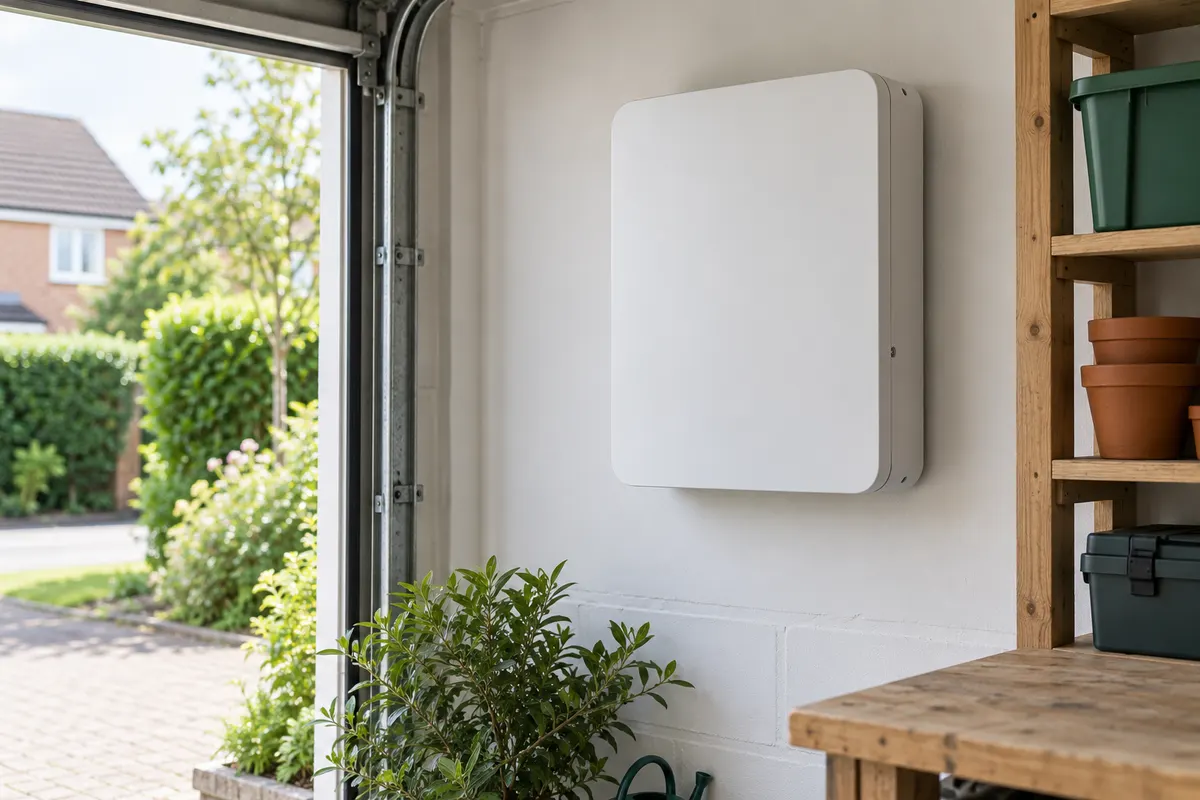
Illustration only — not a specific product or installation design.
What the solar inverter does
- Solar panels →
- Make direct-current electricity (DC)
- Inverter →
- Converts it to alternating current (AC)
- Your home
- Uses the converted electricity
This shows how solar electricity reaches your home, not how to install it. Batteries and power-cut backup can need a different arrangement.
String and hybrid: what is the difference?
A string is a group of connected solar panels. A string inverter takes electricity from one or more of these groups and converts it for use in the home.
A hybrid inverter combines solar and battery functions. It can manage a supported battery as well as the panels. The terms overlap: a hybrid inverter can also be a string inverter.
A solar inverter without battery functions does not necessarily rule out adding storage. A separate battery inverter may be an option. Ask the installer to explain the proposed arrangement and full extra cost; it is not something to connect yourself.
What does “battery-ready” include?
Ask what you would need to add a battery, and what the quoted price already includes. Does the quoted equipment already have an enabled battery connection? Or would it need a software licence, extra hardware or replacement parts?
Fronius provides a useful example: its UK information about UP.storage describes a purchased licence that unlocks hybrid functions on supported GEN24 inverters. An upgrade path is not the same as having the upgrade included in today’s price.
Ask what you could add later, what it would require and which costs are excluded now. A current compatibility list cannot promise that a particular battery or upgrade will still be available when you want it.
Check the exact pair, including versions
“Works with batteries” does not mean “works with every battery”. Ask for the full inverter and battery model codes, the number of battery units or modules, and the manufacturer’s current compatibility document for the UK.
The Fronius UK compatibility table, for example, distinguishes inverter models and battery sizes. Its notes refer to software updates and country-specific certification and availability.
Firmware means the software inside the equipment. If a particular version is required, ask the installer to confirm it will be supplied and supported. Similar family names are not enough to prove a match.
Ask for written confirmation that the complete proposed system meets the manufacturer’s requirements and suits your property. Reading a compatibility table yourself does not replace that design check.
Which power figure should you compare?
A quotation can show several figures in kilowatts, or kW. They describe different parts of the system. Ask the installer to label these separately:
- Panel rating: the total rated panel power, normally written as kWp.
- Inverter output: how much AC power it can supply continuously in the quoted configuration.
- Battery charging and discharging power: how quickly the installed battery system can take in or supply electricity.
- Backup output: what is available during a power cut, if backup is included.
Also distinguish a continuous rating from a short burst or peak rating. The largest number on the specification sheet may not be the output your installation will provide. The Tesla UK Powerwall 3 datasheet, for example, lists different configured output levels and separate charging figures.
These are power figures, not stored electricity. Storage is measured in kWh. Our battery guide explains capacity and power; our panel guide explains total kWp.
If the panel rating and inverter output differ, ask why the installer chose that combination and how it affects the generation estimate. The difference alone is not enough to judge the design.
Will it work during a power cut?
Do not assume that a battery, or the word “hybrid”, means your home has backup power. The installed configuration and any required switching equipment matter.
Tesla’s UK documentation, for example, describes a Powerwall 3 non-backup configuration that will not supply the home during an outage. Its backup arrangement requires additional equipment. Ask what your own quote includes.
- Which sockets or circuits would stay on?
- What could run together, and for roughly how long under the stated assumptions?
- Is switchover automatic or manual?
- Can the panels recharge the battery during an outage in this exact setup?
- Are all backup equipment and installation costs included?
There is no fixed runtime for every home. Available stored electricity, appliance use and the system’s behaviour during an outage all affect it.
Get the complete installation in writing
Ask for an itemised list of any extra controls, meters, backup equipment, electrical work and software licences. Check who handles any required network permission and whether it affects the proposed output. Your installer should confirm the design; this guide does not certify compatibility or provide installation instructions.
A useful request to send
Please confirm the exact inverter and battery models, their compatibility and any required software version. What continuous power will this installation provide? Is backup included, what will work in a power cut, and are all the necessary equipment, licences and installation work included in the price?
Use the like-for-like worksheet to compare the replies. Check the inverter and battery warranties separately too.
Sources and further reading
Checked 28 October 2026. Manufacturer examples explain why details matter; they do not approve a configuration for your home.
- Fronius: what is an inverter?, 13 October 2025: conversion and the overlap between string and hybrid functions.
- SMA: battery inverters: separate battery-inverter and hybrid arrangements. Used for these general concepts, not country-specific connection rules.
- Fronius UK: UP.storage, 13 February 2025: licence-based upgrade example.
- Fronius UK: battery compatibility: model, size, software and country qualifications.
- Tesla Powerwall 3 UK datasheet (PDF), 2026, page 2: distinct capacity, configured output and charging ratings.
- Tesla UK: non-backup configuration: outage behaviour and additional backup equipment.
Before you sign, check your quote
Use Fairbeam to review the price and equipment, then take any questions back to the installer providing your quote. Free, with no sign-up or login.
Check your solar quote for freeThis is automated general guidance. It does not replace a property survey or confirm installation suitability, warranty eligibility or savings.
Our optional competing-quote beta records area-level interest from homeowners who have not signed. It does not guarantee an installer is available, arrange an introduction or send your contact details to installers.